
Google Local Services Ads for Canadian HVAC contractors: cost, the Google Verified badge and setup

Guido 't Hooft
Published
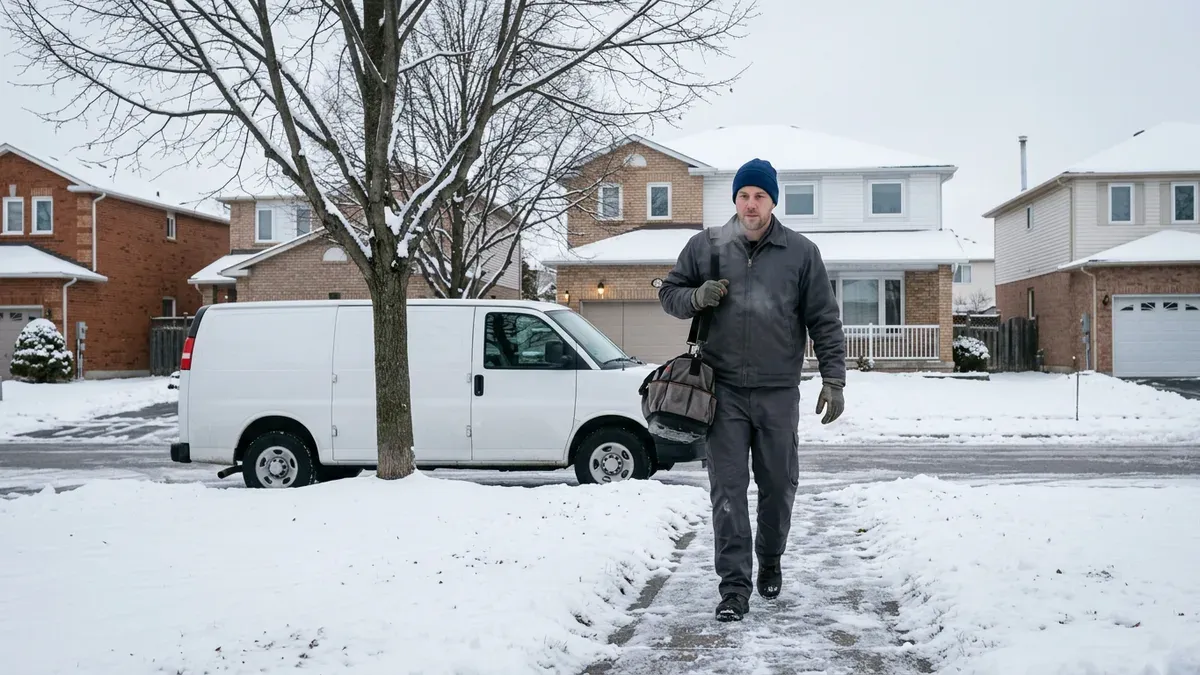
If you run a heating and cooling company in Canada, Google Local Services Ads (LSAs) are a way to show up at the very top of Google when someone in your service area searches for help, and you pay Google for each valid lead (a call, message or booking request), not for clicks. Your profile can show your business name, your reviews and the Google Verified badge. Below we explain how the cost works, what the badge means now, what Google checks for HVAC in Canada, and a change coming in 2027. These rules come straight from Google’s own pages.
Who this article is for and who it is not for
This guide is for owners and general managers of Canadian HVAC companies, from one-truck owner-operators to shops running several crews. If you want a plain answer before you decide whether to set up Local Services Ads yourself or hire help, this is for you.
It is not for homeowners looking for a contractor. It is also not a step-by-step tutorial for every screen in your account, because the exact checks and amounts you see depend on your category and location.
A quick note on words we use:
- A lead is a call, text, email or booking request from a possible customer.
- A Business Profile is your free Google listing that shows your name, map pin, hours and reviews.
- Pay per lead means Google charges you when a valid lead comes in, not when someone clicks.
What are Google Local Services Ads for HVAC contractors?
Google Local Services Ads are pay-per-lead ads that can appear at the top of Google search results for HVAC services in the area you choose. The customer sees your profile, picks you, then calls or messages you. Google charges you for that valid lead.
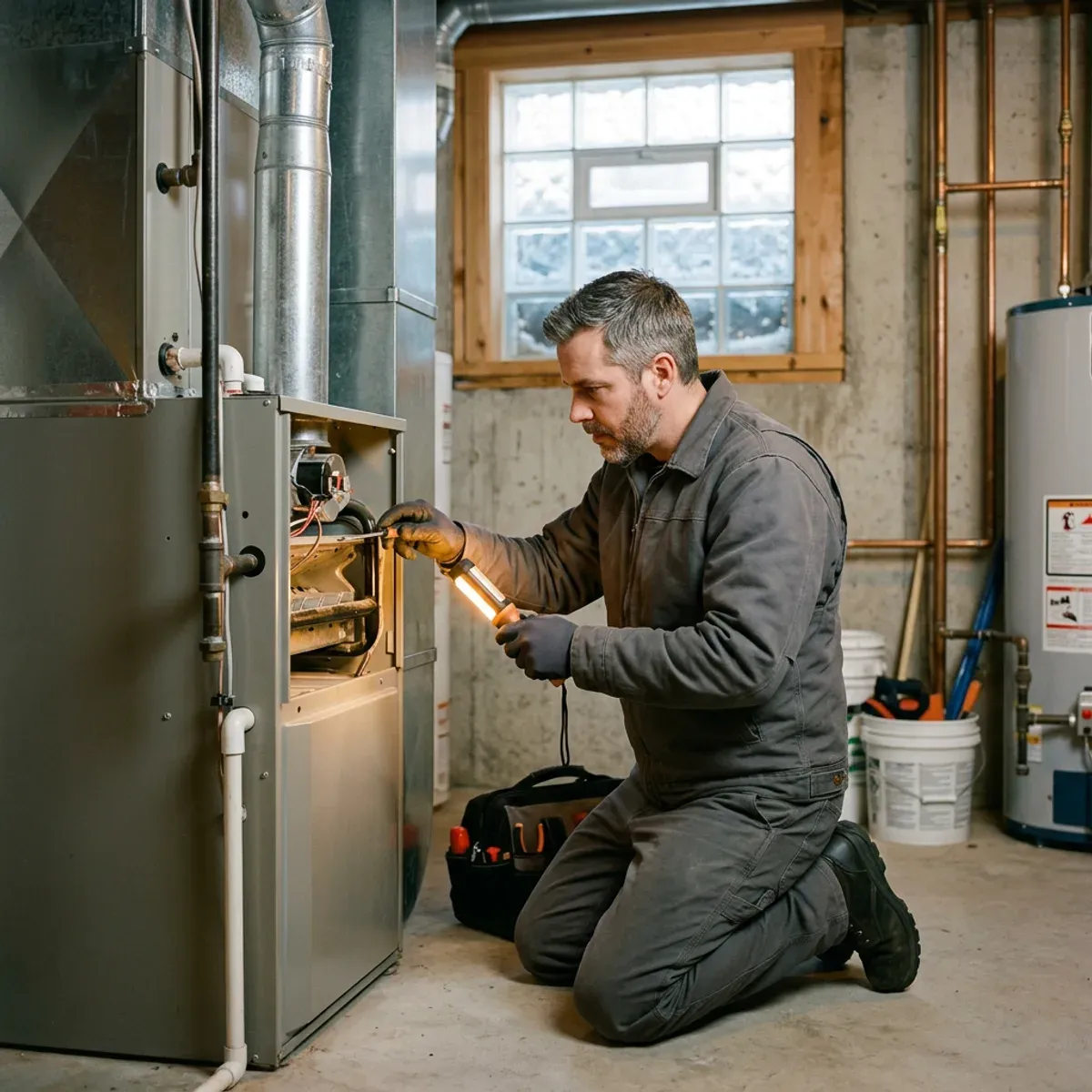
Here is what you are buying when you run LSAs:
- A spot near the very top of the page for searches like furnace repair or AC install in your area.
- A profile with your business name, service area, hours, reviews, photos and the Google Verified badge.
- Calls routed through a Google forwarding number to your real number. Google explains how Local Services Ads leads work in Canada on its own help page.
One important point: the customer chooses your profile before they call. That is different from a shared lead, where one form goes out to several contractors at once. With LSAs, the homeowner reached out to you. It is not locked-in exclusivity, though. The homeowner can still contact other LSA providers.
Depending on Google’s Local Services Ads policies, you may not be able to sell or pass an LSA lead to another company, and the work may need to be done by your business or your own vetted techs. Check the policies that apply to your account before you consider an outside call centre, so that you do not reroute LSA calls to businesses not named in the ad.
LSAs are rented space, not something you own. Turn off the budget and the visibility stops. Your Business Profile and reviews stay useful either way, which is why we always build those first. If you want our team to run LSAs for you, that falls under Local Services Ads management for HVAC.
How much do Google Local Services Ads cost in Canada?
There is no fixed Canadian HVAC price for a Local Services Ads lead. Google says the cost per lead varies by location, job type, lead type and how you bid. You set an average weekly budget, and Google charges you for valid leads until you hit the monthly maximum.
Here is what Google states about the money side:
| Cost question | Google’s answer |
|---|---|
| What you pay for | Valid calls, messages and booking requests, not clicks |
| Fixed Canadian HVAC price | None published; cost varies by location, job type, lead type and bidding |
| Budget unit | An average weekly budget that can be under or over in any one week |
| Can you change it? | Yes, any time, and you can pause when crews are full |
Google charges you against your average weekly budget up to a monthly ceiling. Source for the charging model and budget rules: Google’s Local Services Ads page for Canada.
Judge it by booked jobs, not lead price
Divide what you spent on leads by the jobs you actually booked. That is the number to judge LSAs on, not the cost per lead in the account. A cheap lead that never books is not cheap.
What counts as a chargeable lead?
A chargeable lead is a real contact from a possible customer, such as an answered call, a callback with a conversation, a text, an email, a voicemail or a booking request in Canada. A missed call during your listed hours can also be charged if the caller stays connected for more than 20 seconds. These rules come from Google on how Local Services Ads leads work in Canada.

A few things worth knowing:
- Once a first contact qualifies, follow-up calls or messages from the same number or email within 15 days are not charged again.
- After 15 days with no activity, a new contact can become a new charge.
This is why missed calls cost you twice. You can be charged for the missed call, and slow responses can hurt your ranking in the LSA auction. That is where our answering service fits: an AI phone assistant for after-hours and overflow calls, with missed-call text back and a chat on your website, all set up and managed by us. It answers under your business name and keeps the caller connected, so a no-heat call at 9 p.m. in January does not go to voicemail. It cannot send the call to another contractor, which keeps you inside Google’s rules.
What is the Google Verified badge and what happened to Google Guaranteed?
Google now uses one badge, Google Verified, for all Local Services advertisers, and has discontinued the Money Back Guarantee that came with the Google Guaranteed badge (Google on the Google Verified badge). Existing advertisers who completed verification got the new badge automatically; new advertisers get it once they pass screening and verification.
What the Google Verified badge means today:
- It shows that your business passed the screening and verification checks that apply to your category and location.
- It appears on your LSA profile and may show on other Google surfaces.
What it does not mean:
- It is no longer backed by a consumer money-back guarantee.
- It is not Google endorsing you or guaranteeing your work.
- You cannot put the Google logo or badge on your website, trucks or flyers without permission.
On the old guarantee: a consumer may still request reimbursement for an eligible LSA booking made before December 7, 2025, if they ask within 30 days of the service being completed. For new bookings, that money-back promise no longer applies.
What does Google check to verify a Canadian HVAC business?
Google requires you to complete the checks that apply to your business category and market. For service categories these can include business identity verification, owner or professional background checks, proof of insurance, and required licences or registrations, plus a public, verified Business Profile. The full list and amounts show up in your own onboarding account. See Google’s screening and verification requirements for Canada.
A few points for HVAC owners:
- Your Business Profile must be verified and linked. The person doing LSA verification has to be an owner or manager of that profile.
- Insurance requirements vary by category and location. The exact minimum appears in your verification dashboard, not as one universal number.
- Licences vary by province and municipality. You may need to attest that your techs hold the licences their work requires.
- Reviews on your linked profile matter, both to go live and for ranking.
Google’s Canadian page does not state one universal background-check scope, insurance amount, licensing rule or turnaround time for every HVAC business. It all depends on your vertical, your location and the checks shown in your account. Depending on your market and category, Google may let you run ads before the full badge is granted while onboarding continues, but you should confirm what applies to your own account. The full Google Verified badge requires every applicable check to be finished.
How do you set up Local Services Ads? A plain checklist
The order below keeps you from paying for leads your crews cannot serve and from failing verification on a detail you could have fixed first.
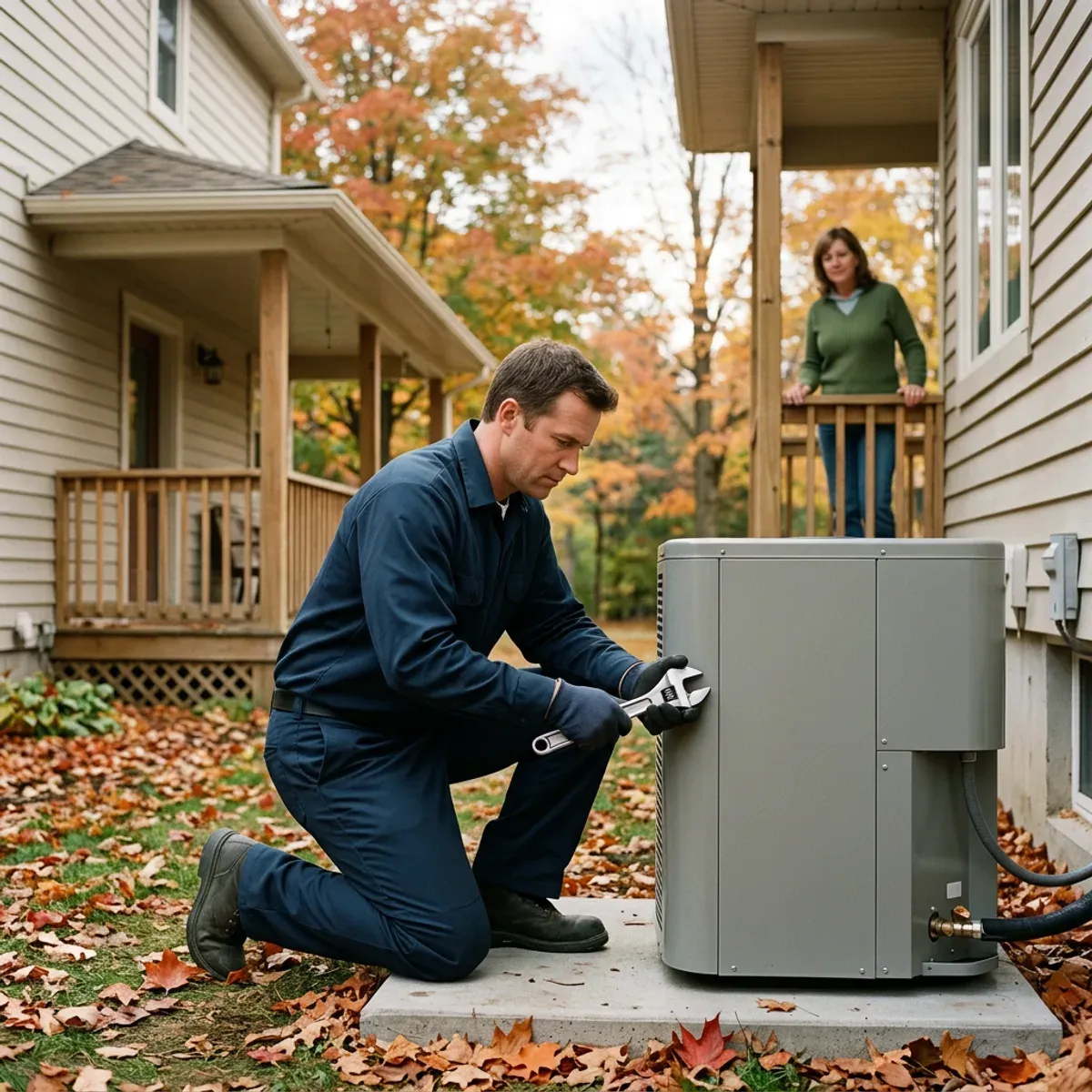
- Check eligibility for your real business location and HVAC category. Do not trust an old city list.
- Fix your Business Profile. Verify it. Make the name, address or service area, phone, hours and ownership correct. LSAs match against this profile.
- Create the LSA account under your own Google login, not an outside login you do not control.
- Set only real service areas your crews can reach quickly and that your licences and insurance cover.
- Pick exact job types. Include only the work you accept, such as furnace, central AC or heat-pump work.
- Set accurate hours and only run ads when you or the answering service can respond.
- Upload licences and insurance, then submit your business, owner and full roster of workers for the checks.
- Link the right Business Profile and reviews. Changes can take a while to sync, so check the link before you launch.
- Set billing, choose how you bid and set a weekly budget you can actually convert into booked jobs.
- Fill out the profile with an honest bio, services and real photos.
- Test call routing on mobile, VoIP and after-hours so no call drops.
- Launch and give the bidding time to settle before you draw big conclusions.
What helps your ad rank and your cost per lead?
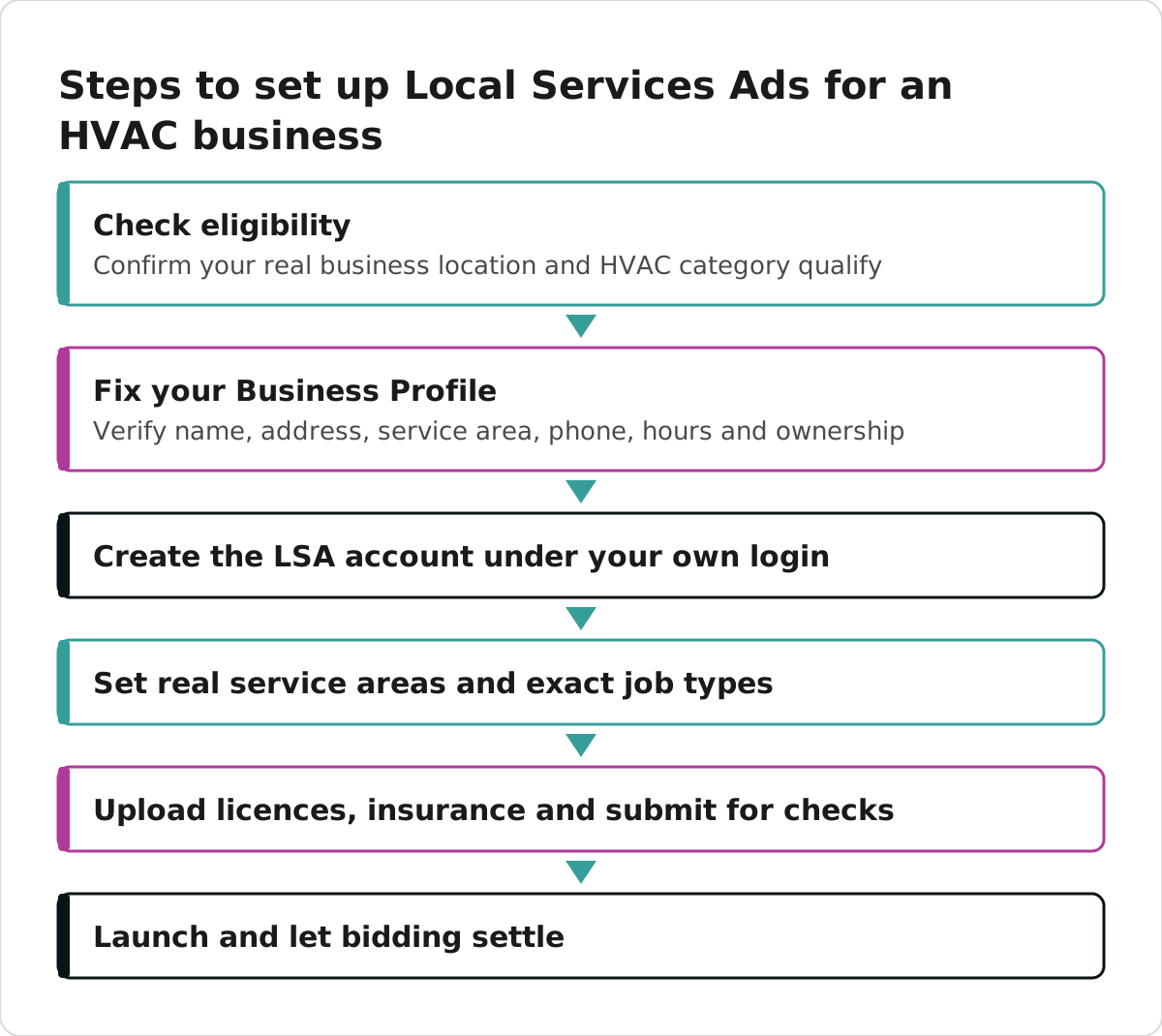
Your bid is only one part of the LSA auction. Google also weighs your reviews, how fast you respond, how relevant your services are, your profile quality, your photos and your completed verification checks. A higher bid does not fix a slow or thin profile.
What you can actually control:
- Answer fast, including evenings and weekends if your ads run then.
- Reply to every message, even when you turn the work down.
- Keep earning real Google reviews after the first few. Ask every customer after every finished job, not only the happy ones.
- Add real, clear photos of your work and team.
If you decide to handle reviews properly, a system helps. As we did for one of our clients recently, we set up a short review link on their own website, QR cards to hand out after a job and a ready-to-send thank-you email for finished projects.
A note on CASL before you send review requests by email or text
If you follow up with customers by email or text, Canada’s Anti-Spam Legislation generally applies. Canada’s Anti-Spam Legislation generally requires consent, clear sender identification and a working unsubscribe option on commercial electronic messages. A message sent only to deliver or support a service you are already doing may fall under a transactional exception, while promotional follow-ups and offers generally need proper consent. Check the exact exceptions before you set up a campaign.
What is changing in 2027 for Canadian LSA accounts?
Canadian Local Services Ads accounts are set to move into Google Ads during 2027 as specialized Performance Max campaigns with pay-per-lead goals. Google says the placement and the pay-per-lead framework stay, but manual bidding will no longer be supported and weekly budgets convert to daily average budgets. This is from Google on the move to Performance Max.
Canada is treated as a non-U.S. market for this move, and Google’s documentation does not give one Canada-wide effective date. In plain terms: the ads keep working much the same way for homeowners, but the controls move into Google Ads, and the way you bid changes. If you also run regular search ads, that is a related area, and we cover that under Google Ads management for HVAC.
Common mistakes HVAC owners make with LSAs
- Running ads when no one can respond. Missed calls can cost you and can hurt ranking.
- Targeting areas your crews cannot serve. Google no longer gives credits for leads outside the job types or areas you serve, so you pay for them.
- Judging the campaign on cost per lead alone instead of cost per booked job.
- Letting reviews go stale after hitting the minimum.
- Setting up the account under a login you do not own, which makes it hard to take back later.
What to do versus what not to do
| Do | Do not |
|---|---|
| Answer every call and message fast | Let no-heat calls ring out during listed hours |
| Target only areas and jobs you can serve | Pick a wide area to look bigger |
| Ask every customer for a review after every job | Only ask the customers you expect to rave |
| Track booked jobs and cost per booked job | Watch cost per lead and nothing else |
| Keep insurance and licences current in your dashboard | Assume one check covers every location |
Where LSAs fit in the bigger picture
Local Services Ads are rented space at the top of Google, paid per lead, under Google’s own rules. They can bring calls while you build the assets you own: your website, your Business Profile and your reviews. We treat LSAs as one add-on inside a connected system, and the founders set every client’s strategy and stay in charge of the work and its quality. We take one HVAC company per service area, so we never also market the HVAC company down the street from you.
If you want more context on winning your own calls instead of shared or sold leads, see HVAC lead generation.
Ready to see whether your service area is open and whether LSAs make sense for your shop? Check your area and our team will take it from there.